Share via

Publisher/Extension Uploading Issue in VS Marketplace

Dev Cyberscope 20 Reputation points
2026-05-15T13:02:03.1766667+00:00

Hi Team,

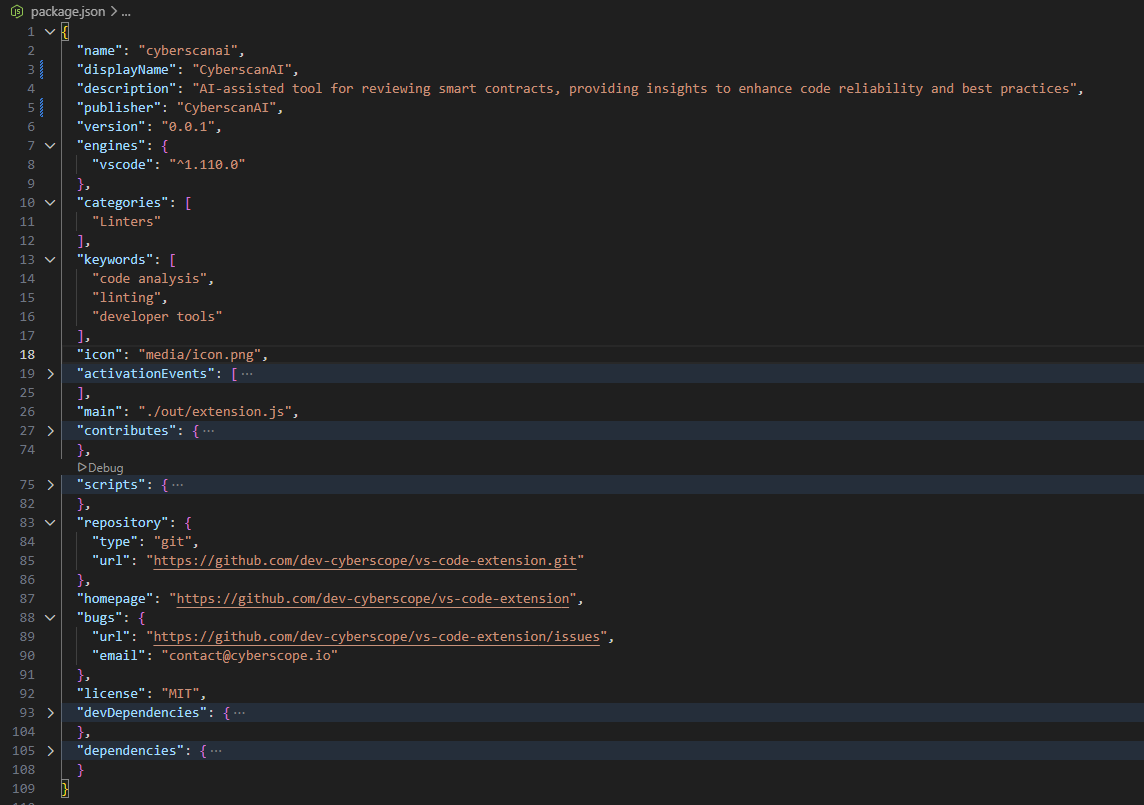
I created a VS Code extension and properly configured the required metadata in the package.json file, including:

  • Publisher information
  • Homepage URL
  • Repository URL
  • License information
  • Keywords
  • Extension description

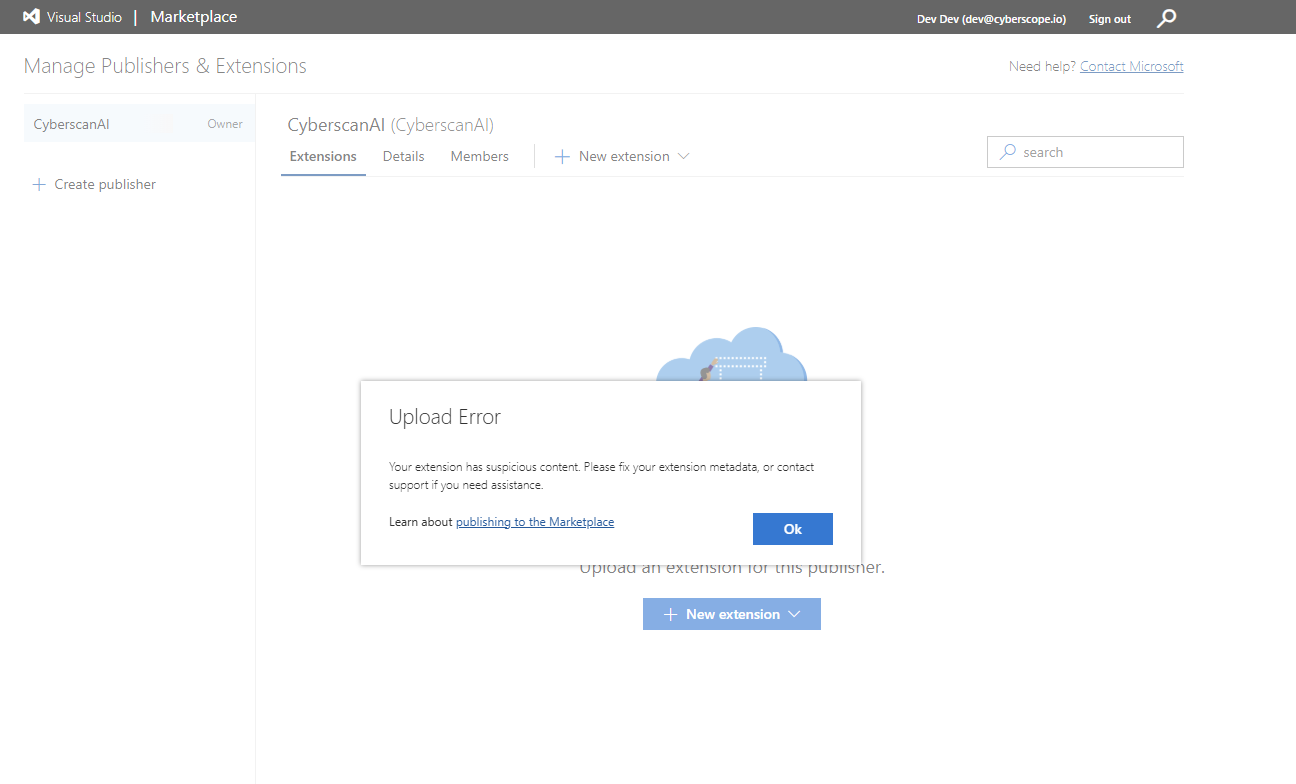
However, when I try to upload the .vsix file to the Visual Studio Marketplace, I receive the following error:

“Upload Error: Your extension has suspicious content. Please fix your extension metadata, or contact support if you need assistance.”

I have already tried updating and modifying the metadata multiple times based on the error message, but the issue still persists and I am unable to publish the extension.

Also, I am not currently using the Personal Access Token (PAT) method in Azure DevOps, so I would like to know whether I may be missing any required setup or doing something incorrectly during the publishing process.

Could you please review this issue and guide me on what needs to be corrected?

Thank you for your support.

Thanks, CyberscanAI
Screenshot 2026-05-15 122923

Screenshot 2026-05-15 182740

Developer technologies | Visual Studio | Other

A family of Microsoft suites of integrated development tools for building applications for Windows, the web, mobile devices and many other platforms. Miscellaneous topics that do not fit into specific categories.


2 answers

Sort by: Most helpful
  1. Deleted

    This answer has been deleted due to a violation of our Code of Conduct. The answer was manually reported or identified through automated detection before action was taken. Please refer to our Code of Conduct for more information.


    Comments have been turned off. Learn more

  2. Pravallika KV 16,525 Reputation points Microsoft External Staff Moderator
    2026-05-22T14:48:00.0866667+00:00

    Hi @Dev Cyberscope ,

    This doesn't appear to be a metadata or PAT-related issue. The Marketplace is likely flagging the VSIX because it includes the node_modules folder directly, which is often detected as “suspicious content” by the security scanner.

    Try below steps:

    • Exclude node_modules from the VSIX package
    • Bundle the extension using a tool like esbuild or webpack instead of shipping dependencies
    • Generate a single bundled output file (for example: dist/extension.js)
    • Update the main entry in package.json to point to it:
    "main": "./dist/extension.js"
    

    The issue with Axios occurs because the current setup depends on runtime resolution via node_modules. Once you move to bundling, Axios (and its dependencies) will be included in the final bundle automatically. Hope this helps!


    If the resolution was helpful, kindly take a moment to click on User's imageand click on Yes for was this answer helpful. And, if you have any further query do let us know.

    Was this answer helpful?


Your answer

Answers can be marked as 'Accepted' by the question author and 'Recommended' by moderators, which helps users know the answer solved the author's problem.